An AI report generator that starts from your mess, not a blank page
2026-09-07 · Tasman Goff
Every report nobody wants to write has the same anatomy: raw material scattered across notes, a spreadsheet, maybe a meeting transcript — and one person staring at a blank document. MicroLearnerAI closes that gap. Attach the mess, say what the report should look like, and a formatted PDF lands in the chat.
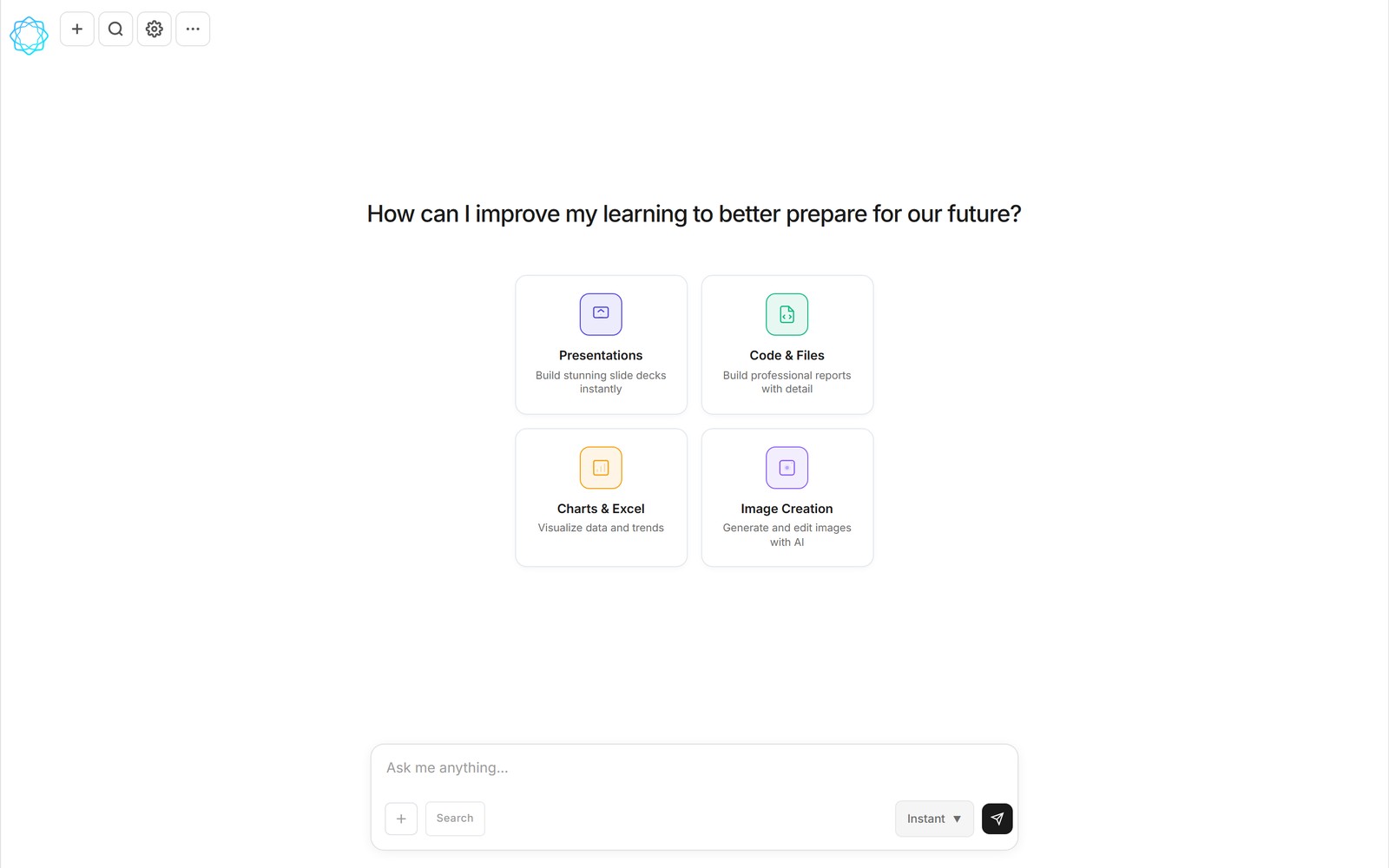
The reason this works when a plain chatbot doesn't: MicroLearnerAI doesn't just write prose at you. It writes and runs code mid-conversation, so the output is a real file — headings, tables, and charts laid out properly — not a wall of text you'll spend an hour reformatting in Word.
A workflow that actually saves the afternoon
Say you owe someone a weekly status report. The inputs are always the same kind of pile: this week's numbers in a CSV, some bullet points from your notes app, last week's report for the format. The first time, you attach all three and say:
"Using last week's report as the format, write this week's status report. Pull the numbers from the attached CSV, work my notes into the progress section, and flag anything that moved more than 10%."
You get back a PDF that looks like last week's, with this week's substance. Then the part that makes it a workflow instead of a trick: tell it to save those instructions as a skill. Next week you attach the new CSV and notes, invoke the skill, and the report comes out in the same shape without you re-explaining anything. If even that's too much work, put it on a scheduled task — the report regenerates itself on a timer and waits for you in the conversation.
What people use it for
- Weekly status and KPI reports — the recurring kind where only the numbers change.
- Meeting transcripts → minutes — attach the transcript, get decisions and action items formatted like someone took proper notes.
- Research digests — a pile of links and notes becomes a structured summary with sections you'd actually send to a client.
- Data reports — attach the raw export and ask for the analysis write-up, with the charts drawn from your actual numbers.
The honest caveat
AI generated reports are a first draft from a fast analyst, not a finished deliverable you send blind. The numbers come from the data you attach — not the model's memory — which is the part people usually get wrong about accuracy. But judgment calls, tone, and the one number you'd rather not highlight are still on you. Skim it, push back in the chat where it's off ("make the risks section blunter"), and send the second version. The editing pass is measured in minutes; the blank page used to cost the afternoon.
What it costs
The free tier covers normal use — sign up and generate your first report today. Pro is $12 a month if reports are a daily thing. And if you already have a DeepSeek API key, the Unlimited API plan runs on your key and costs you nothing here.
FAQ
What can an AI report generator actually produce?
In MicroLearnerAI's case, a real file — a formatted PDF (or a spreadsheet, deck, or chart if you ask for that instead). The chat writes and runs code to build the report, so headings, tables, and charts are laid out properly instead of pasted as plain text.
Can I reuse the same report format every week?
Yes. Save the instructions once as a skill — sections, tone, what to pull from the data — then attach fresh numbers and ask again. Or schedule it: a recurring task runs the skill on your server-side schedule and the AI generated report is waiting in the conversation when you open the app.
Are AI generated reports accurate enough to send to a boss or client?
Treat them like a fast first draft from a competent analyst. The numbers come from the data you attach, not from the model's memory, and the chat shows its work if you ask. Skim it, fix anything off with a follow-up message, then send. Most people find the editing pass takes minutes, not the hours the blank page used to.
Is the AI report generator free?
There's a free tier that covers normal use, a $12/month Pro plan for heavier workloads, and an Unlimited API plan where you plug in your own DeepSeek key and pay MicroLearnerAI nothing. It runs in the browser — nothing to install.
Try it on the report you've been putting off: open MicroLearnerAI chat, attach the raw material, and describe the finished document.
Also read: Skills, not prompts — how to make a report format repeatable.