Meet Micro Learner AI: The Chat That Builds and Runs Apps
2026-08-07 · Tasman Goff
Last updated 2026-08-07
Micro Learner AI is a DeepSeek chat that runs code and builds files. You ask for a thing — a slide deck, a spreadsheet, a chart, a PDF report, an image, a small tool — and instead of getting advice about how to make it, you get the thing itself, right there in the chat, with buttons to view it, edit it, or download it.
That one difference — the code actually executes — is the whole product, so it's worth explaining properly.
What you can ask for
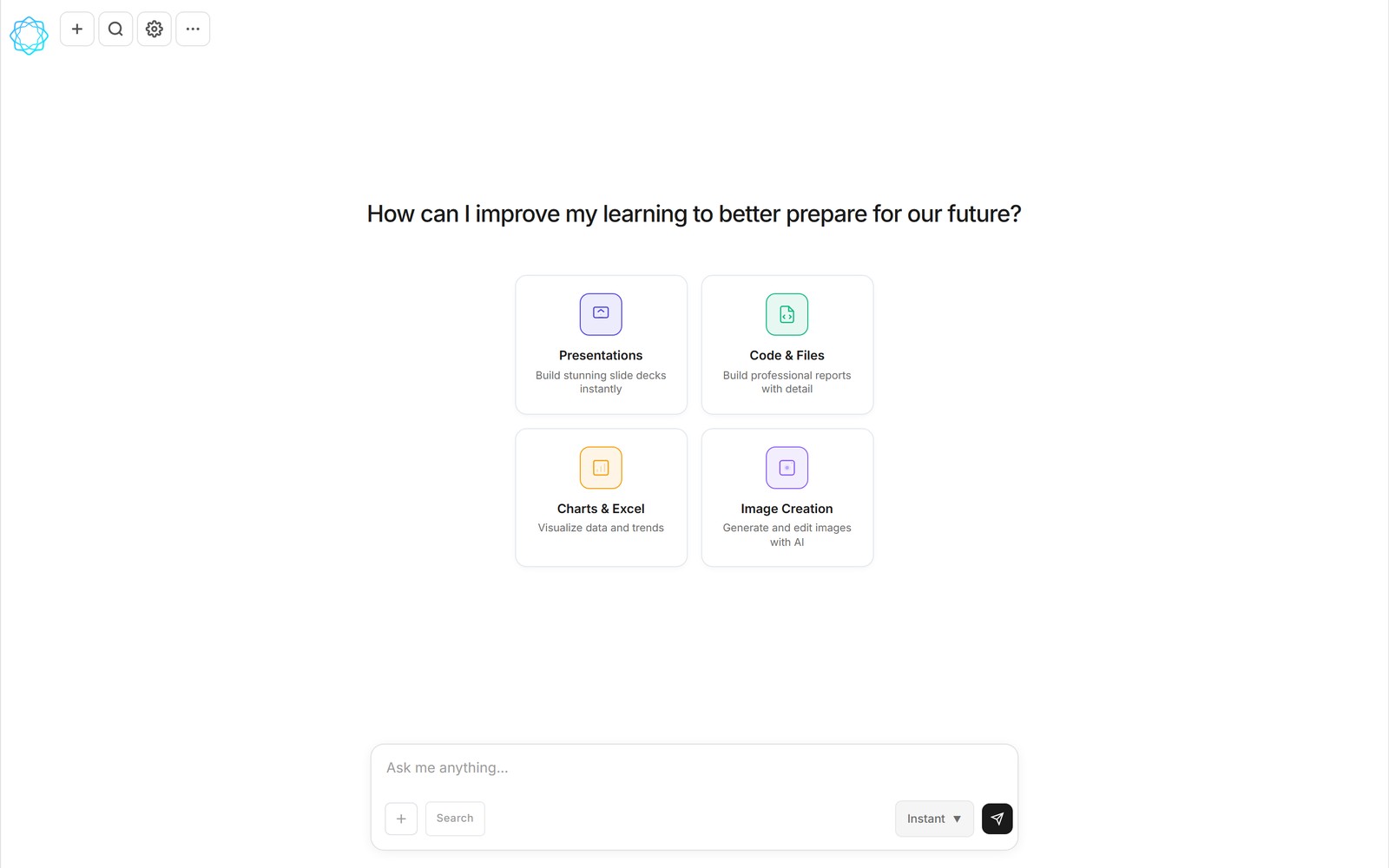
The chat home screen shows four capability cards, which is a fair summary of what the product does:
- Presentations. "Build stunning slide decks instantly." Describe the deck — topic, audience, number of slides — and get back a real .pptx file, not an outline.
- Code & Files. "Build professional reports with detail." PDF reports, documents, and small tools, produced by code that runs while you watch.
- Charts & Excel. "Visualize data and trends." Hand it numbers and get charts, or ask for a workbook and get a working .xlsx with the formulas in it.
- Image Creation. "Generate and edit images with AI." New images from a description, or edits to ones you upload.
The common thread is that every answer is an artifact. The chat is the interface; the file is the reply.
How it works in practice
Say you ask for a spreadsheet of quarterly sales with a summary chart. Micro Learner AI writes the code to build it, then — before anything runs — shows you a review step: Run, Always allow, or Cancel. You see what's about to execute and decide. Once you approve, the code runs, and a completed file card appears in the conversation: q3_sales.xlsx, ready to open, edit inline, or download.
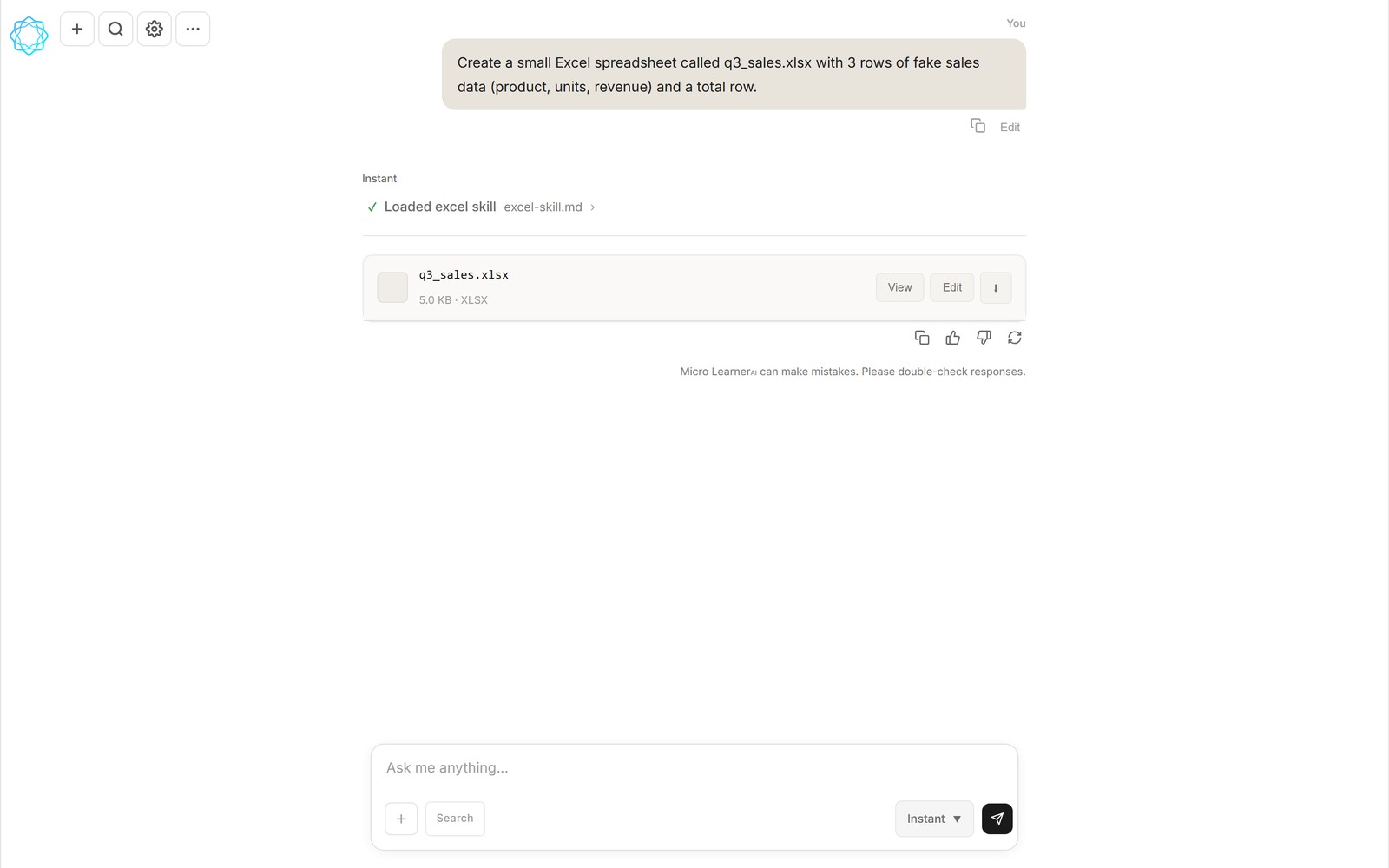
A real .xlsx, built mid-conversation by the Excel skill — attached to the chat with View, Edit, and download actions.
This is the part most chatbots skip. They'll happily write you the code for the spreadsheet and leave you to install Python, fix the import errors, and run it yourself. Micro Learner AI closes that loop: the same conversation that writes the code also runs it, and what lands in your hands is the finished file. If the first result isn't quite right, you iterate in plain English — "add a column for year-over-year change" — and the file updates.
It's worth being honest about what this is and isn't. The artifacts are real files you can take anywhere — open the deck in PowerPoint, the workbook in Excel, the image wherever you like. But the apps it builds are the small, useful kind: timers, trackers, calculators, one-job tools that live in the conversation. It's not trying to be a hosting platform for your startup. It's trying to make "I need a thing" a five-minute request instead of a weekend project.
Skills and connectors
Two systems extend what the chat can do. Skills are versioned, shareable workflow files that teach the AI a repeatable job — there's a built-in PNG/PDF skill and an Excel skill, and you can install, fork, edit, and publish your own. The community library currently lists 364 skills alongside shared conversations. Connectors (MCP) bring your tools in: Google (Gmail, Drive, Calendar — one sign-in), Slack, Notion, AWS, and 9,000+ apps via Zapier, plus free dev and data connectors like GitHub, Hugging Face, and Alpha Vantage. Connected tools become things the chat can actually call.
You can also put work on a schedule. Ask in chat — "summarize the top AI news every weekday at 9am" — and the task runs on schedule, with the results arriving as a ⏰ conversation in your chat list.
It works on your phone, too
The chat UI is responsive, so the same workflow runs on mobile — ask for a deck on the train, review the run prompt, and download the file when it's done.
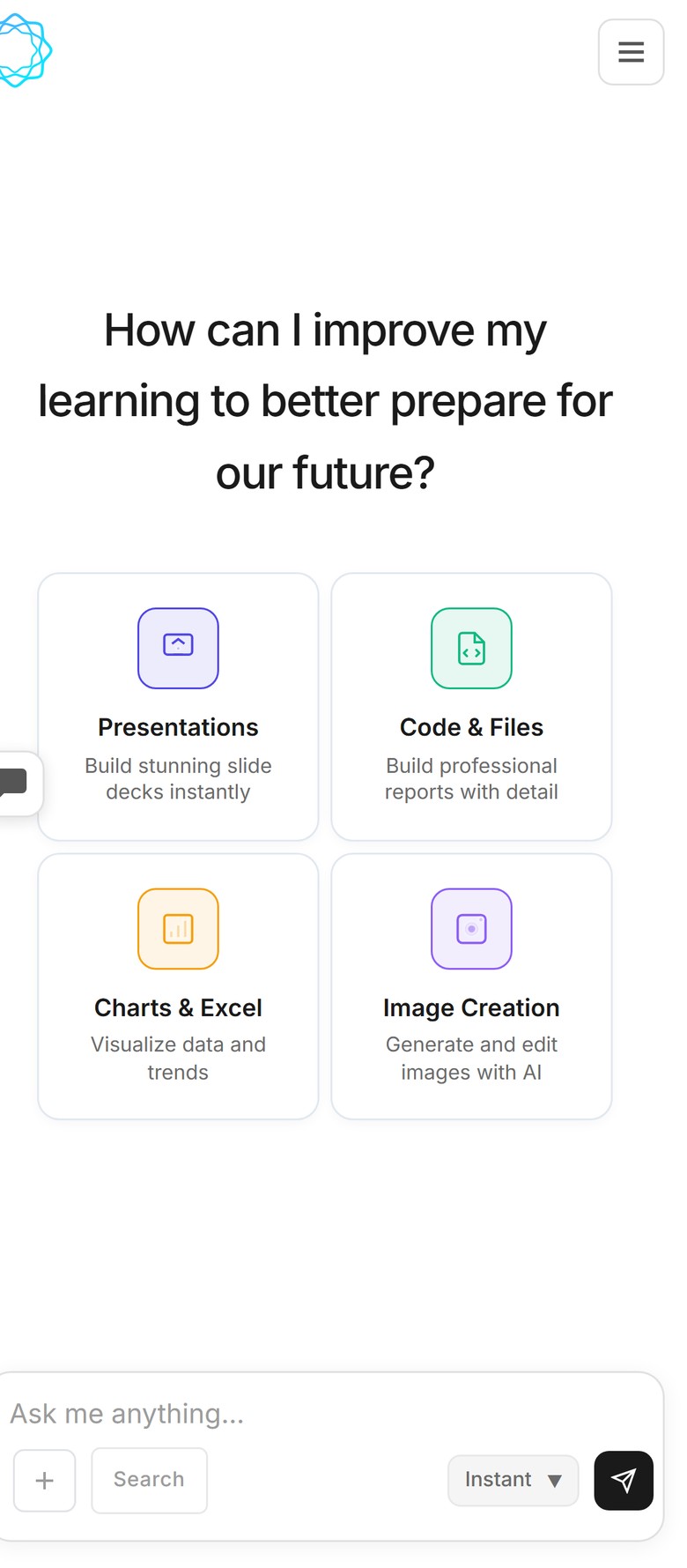
The same four capabilities, on mobile.
What it costs, and why it can cost that
Micro Learner AI is powered by DeepSeek — a frontier-class model with a low per-token cost. That's not a footnote; it's the reason this product can exist at these prices. Running code in chat means every request does real work, and cheap, capable tokens are what make that sustainable.
So: there's a free tier, with usage that resets every five hours — enough to genuinely use the product, not a demo. Pro is $12/month, with roughly 4.5× the free usage and pre-built skills included. A DeepSeek v4.1 Flash mode selector sits in the composer when you want speed over depth, and if you prefer your own setup, you can add your own API key in settings (BYOK).
Where things stand
Micro Learner AI is in beta. The app is live at microlearnerai.com. We'd rather show you the product than describe it. The honest summary is this: it's a chat where "make me a thing" returns the thing — the deck, the sheet, the chart, the image — and it costs nothing to start.
FAQ
What is Micro Learner AI?
Micro Learner AI is a DeepSeek chat that runs code and builds files. You ask for a thing — a slide deck, spreadsheet, chart, PDF report, image, or small tool — and get the working artifact in the chat, with View, Edit, and download actions.
What can Micro Learner AI build?
Four broad types of artifacts: presentations (real .pptx decks), reports and documents via Code & Files, charts and Excel workbooks, and AI-generated or edited images. Because it executes code, the output is an actual file attached to the conversation, not a description of one.
Does Micro Learner AI actually run the code?
Yes. Code executes mid-conversation, with a review-and-approve step so you see what's about to run — Run, Always allow, or Cancel. The finished file (a .pptx, .xlsx, .png, and so on) is then attached to the conversation for you to view, edit, or download.
Is Micro Learner AI free?
There's a free tier whose usage resets every five hours, and a Pro plan at $12/month with roughly 4.5× the free usage and pre-built skills. It's powered by DeepSeek, a frontier-class model with a low per-token cost — which is what makes running code in chat affordable enough to offer a real free tier.
When can I try Micro Learner AI?
Micro Learner AI is in beta: the app is live at microlearnerai.com and works on desktop and mobile.
Micro Learner AI is in beta. Follow the launch at microlearnerai.com.
New to the app? Start with how the harness works.