Your First 10 Minutes with MicroLearnerAI
2026-08-07 · Tasman Goff · Last updated 2026-08-07
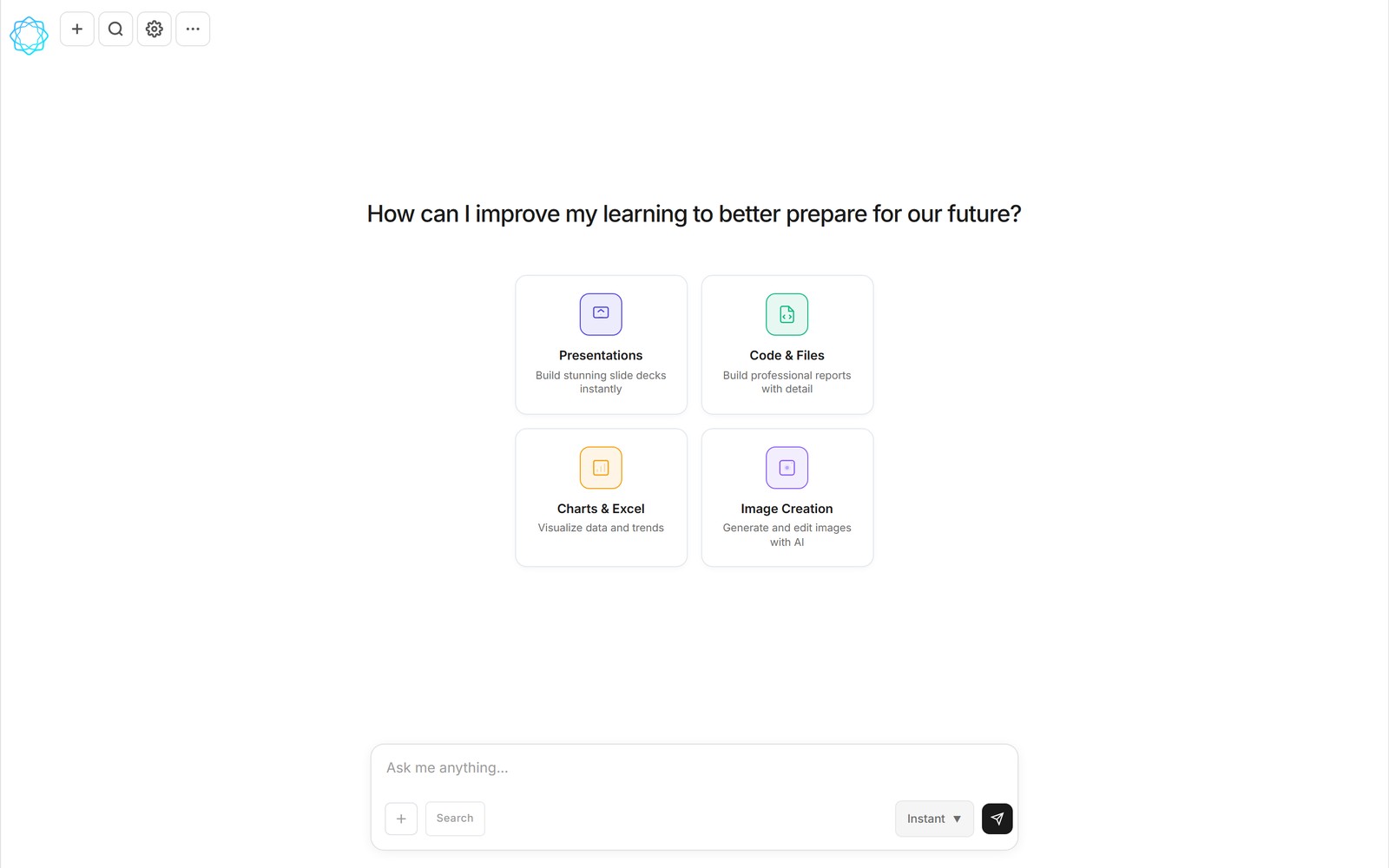
The chat home you'll land on: four capability cards and one box to type in.
This is a ten-minute tutorial, and it assumes nothing. MicroLearnerAI is a chat that doesn't just answer — it writes and runs code mid-conversation and hands you the working result: a spreadsheet, a slide deck, a chart, an image. The whole loop below works on the free tier, and every step is something you do by typing plain English. If you'd rather read the idea first, we covered it in what MicroLearnerAI is — otherwise, let's go.
Minute 0–1: open the chat
There's nothing to install. Open MicroLearnerAI in a browser — on desktop or your phone, the interface is the same responsive chat — and you'll see a home screen with four cards: Presentations ("Build stunning slide decks instantly"), Code & Files ("Build professional reports with detail"), Charts & Excel ("Visualize data and trends"), and Image Creation ("Generate and edit images with AI").
Ignore the cards for now. They're shortcuts, not requirements. Everything on this screen funnels into one input box at the bottom, and that box is the entire product: you describe a thing, and the thing appears. There's an "Instant" mode selector in the composer for when you want a quick answer instead of a careful one — leave it alone today.
Minutes 1–4: ask for a spreadsheet
For a first build, ask for something with real structure so you can see what "the chat runs code" actually means. Type something like:
"Make me an Excel spreadsheet for tracking my monthly expenses. Columns for date, category, amount, and notes, with a summary row that totals each category. Add ten rows of realistic example data."
Here's what happens next, and it's the part that surprises people. The AI doesn't reply with a table of text or a code listing for you to copy somewhere. It writes a small program that builds the file, then — before anything executes — it shows you a review step with Run, Always allow, and Cancel options. Nothing runs without your say-so. Choose Run.
A few seconds later, a completed file card appears in the conversation: a real .xlsx, attached right there in the chat, with View, Edit, and download actions. Not a description of a spreadsheet. The spreadsheet.
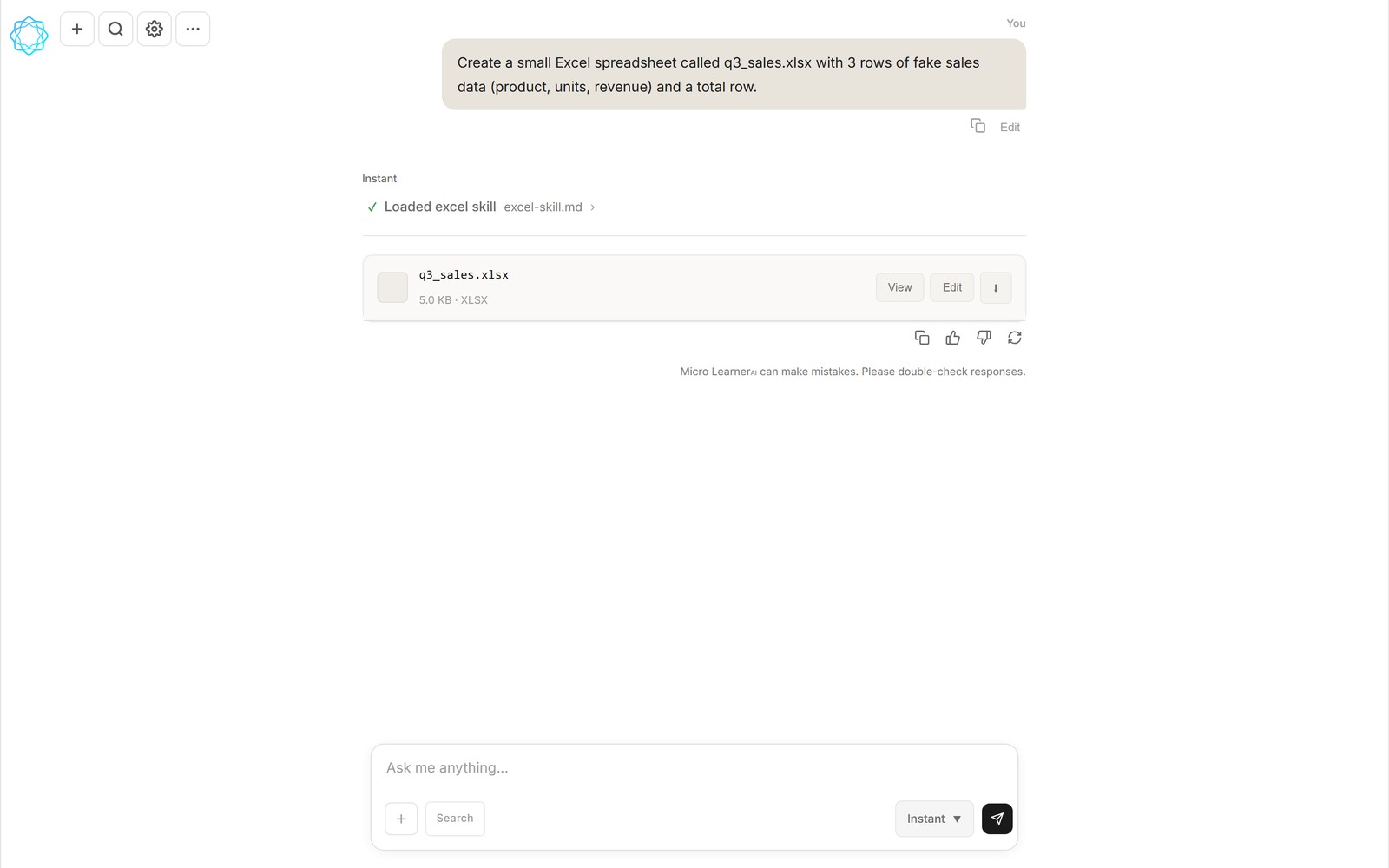
A finished spreadsheet arriving in the chat as a real file — this one built with the Excel skill.
Minutes 4–6: open it, then iterate in plain English
Click View and look at what you got. It won't be exactly what you pictured — first versions never are, and that's the point of the exercise. Now do the only skill this product actually requires: say what you'd change, as if you were texting a very fast assistant.
- "Add a column that shows each expense as a percentage of the monthly total."
- "Make the summary row bold and freeze the header row."
- "Add a second sheet with a bar chart of spending by category."
One change per message, and check the result after each one. That rhythm — describe, run, look, react — is the entire workflow. You never need to know how the change happens. You need to notice what you want, and say it specifically. "Make it better" gives the AI nothing; "the chart's y-axis should start at zero" gives it everything.
Minutes 6–8: try an image
Same chat, different artifact. Start a new conversation and ask for an image: "Generate an image of a sunset over a mountain lake, in a calm, realistic style." Behind the scenes, a built-in PNG/PDF skill loads — a saved workflow that teaches the AI how to produce a polished image file rather than a rough first attempt — and the result opens in an image viewer right in the conversation.
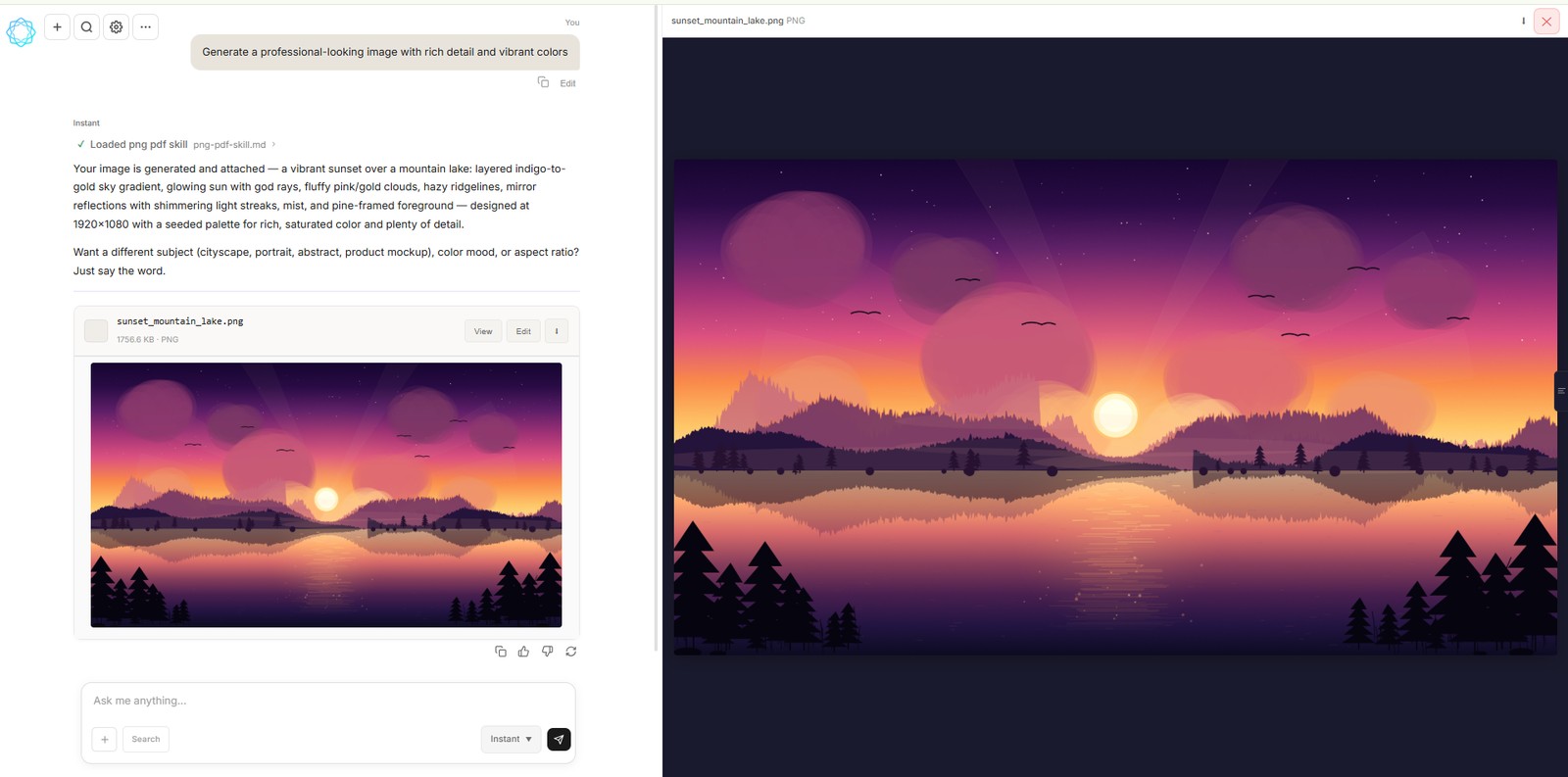
An image generated mid-chat with the PNG/PDF skill, open in the built-in viewer.
Iterate the same way you did with the spreadsheet: "more orange in the sky," "add a small cabin on the shore." Image editing follows the same loop as image creation — describe the change, get a new version.
Minutes 8–10: install a skill
That PNG/PDF skill you just used isn't magic — it's a file, and there are hundreds more like it. Open the community library and browse: it currently lists 364 skills plus shared conversations. Skills are versioned, shareable workflow files that teach the AI a repeatable way of doing something — producing a well-formatted Excel workbook, structuring a report, following a particular process.
Pick one that matches something you actually do, and install it. From then on, the AI follows that workflow when the task calls for it. Later, when you're comfortable, you can fork a skill, edit it to match your own way of working, and publish your version back. We go deeper on the system in why skills beat pasted prompts, but for day one, installing one is enough.
Where to go after minute 10
You've now touched the core loop twice and the skills system once. A few natural next steps:
- Try a deck. Ask for a five-slide presentation on something you know well and watch a real
.pptxarrive. - Connect your tools. The connectors panel offers Google (Gmail, Drive, Calendar with one sign-in), Slack, Notion, AWS, and thousands of apps via Zapier — connected tools become things the chat can actually use, like pulling your own data into that spreadsheet.
- Schedule something. Ask in chat — "summarize the top AI news every weekday at 9am" — and the task runs on schedule, delivering results as a conversation in your chat list.
One honest note on limits: the free tier resets your usage every five hours, which comfortably covers this tutorial and an evening of experimenting. If you find yourself building daily, Pro is $12 a month for roughly 4.5 times the free usage plus pre-built skills. But you don't need to decide anything today — that's rather the point of a free tier.
Frequently asked questions
Do I need to know how to code to use MicroLearnerAI?
No. You describe what you want in plain English and the AI writes and runs the code. The only skill involved is describing clearly and saying specifically what you want changed.
What can MicroLearnerAI actually make?
Four broad artifact types: presentations (real .pptx decks), code and files (reports, PDFs, small tools), charts and Excel spreadsheets (real .xlsx files), and AI-generated and edited images. Every result attaches to the conversation with View, Edit, and download actions.
Is MicroLearnerAI free?
There's a free tier where usage resets every five hours — enough for this whole tutorial and more. Pro is $12/month for about 4.5× the free usage plus pre-built skills. The product is currently in beta.
What are skills?
Versioned, shareable workflow files that teach the AI a repeatable way of doing something — like producing a polished Excel workbook or a PNG image. The community library currently lists 364 skills; you can install, fork, edit, and publish them.
MicroLearnerAI is in beta and not yet open to the public — the homepage is a coming-soon page while we onboard early users. Follow the launch at microlearnerai.com.
New to the app? Start with the quickstart guide.