What You Can Actually Build on MicroLearnerAI's Free Tier
2026-08-07 · Tasman Goff · Last updated 2026-08-07
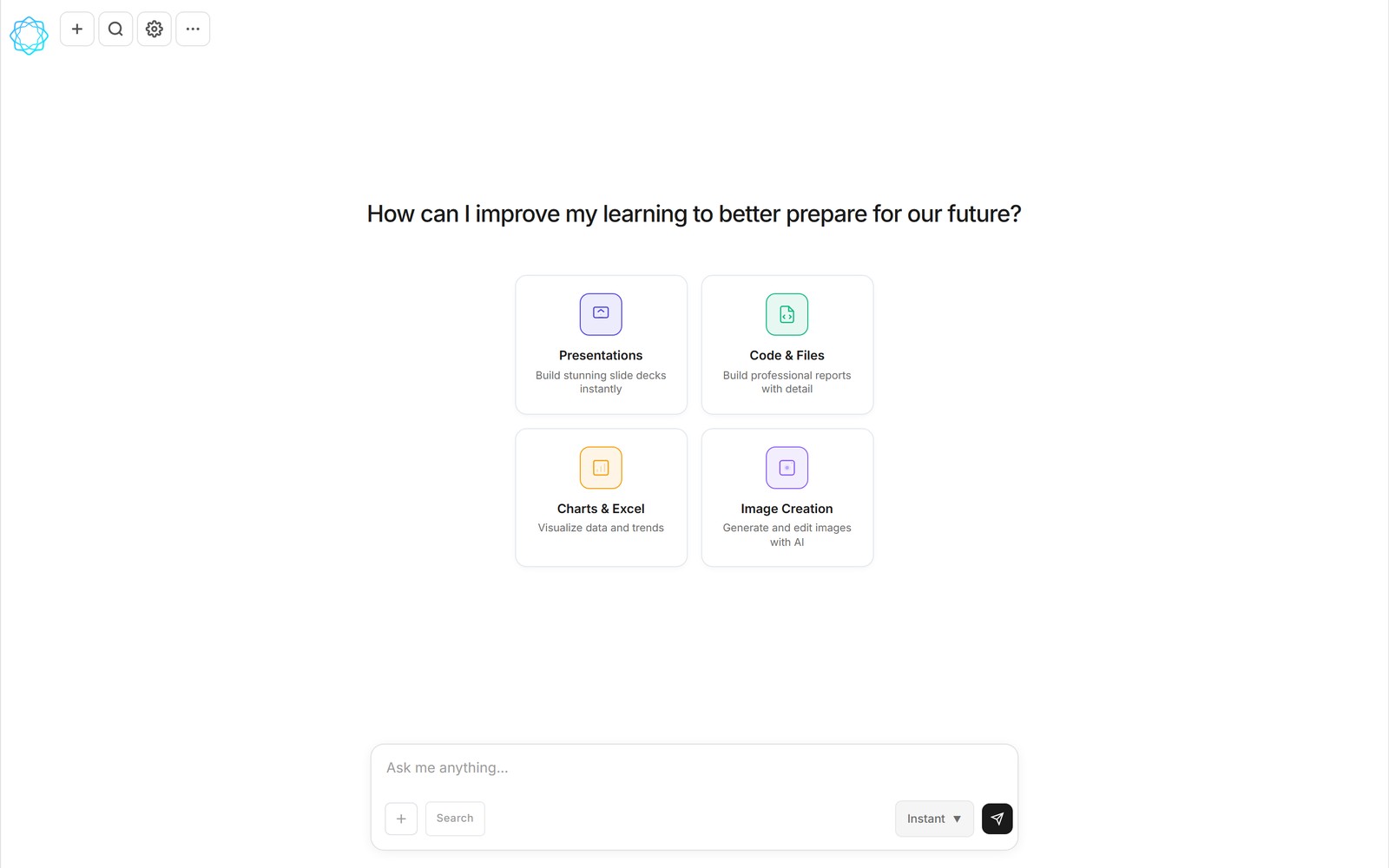
The MicroLearnerAI home screen. The four cards are the whole menu — and all four work on the free tier.
Most "free" AI tools are a demo wearing a free tier's clothes. You get a handful of credits, just enough to see the thing work, and the meter runs out the moment your project gets interesting. We wrote about that pattern before, so when we built MicroLearnerAI we had to answer the same uncomfortable question ourselves: what does free actually get you here? This is the honest answer — what you can build, how the limits work, and the point where paying $12 a month stops being optional.
One thing up front: MicroLearnerAI is a chat that writes and runs code mid-conversation. You ask for a thing — a slide deck, a spreadsheet, a chart, a PDF report, an image, a small tool — and the working artifact shows up in the chat, attached to the conversation as a real file with View, Edit, and download actions. The free tier is that product. Not a crippled viewer, not a watermark machine — the same chat, the same artifacts, with a usage cap.
The four things you can build for free
The home screen has four capability cards, and each one is a category of thing you can walk away with:
- Presentations. Ask for a deck in plain English — "ten slides on our Q3 plan for a board audience" — and get back a real .pptx file, not a text outline you still have to build yourself.
- Code & Files. Reports, PDFs, and small tools. This is the card that surprises people: the AI writes the code, shows you a review-and-approve step (Run / Always allow / Cancel), runs it, and attaches the output file to the conversation.
- Charts & Excel. Hand it your numbers and ask for the analysis. You get working .xlsx workbooks and charts you can open in Excel, edit, and pass along.
- Image Creation. Generate and edit images with AI, delivered as real .png files you can download and reuse.
Nothing on that list is Pro-locked. The free tier's limit is volume, not capability.
How the free limit actually works
Here's the mechanic that matters: free usage resets every 5 hours. Not a monthly credit pool you burn through once and wait out for weeks — a rolling allowance that refills several times a day. Hit the wall at 10am and you're building again by mid-afternoon. For the way most people actually use a tool like this — a deck before a meeting, a spreadsheet cleanup in the evening — the reset means free is a rhythm, not a countdown.
Why can we afford that when most builders ration by the credit? Boring economics, honestly. MicroLearnerAI runs on DeepSeek, which delivers frontier-class results at a fraction of the per-token cost of the usual models. Running code in chat is expensive at typical model prices; at DeepSeek prices it's a feature we can hand to free users. There's also an "Instant" mode selector in the composer for lighter jobs, and if you'd rather bring your own model access, settings let you add your own API key.
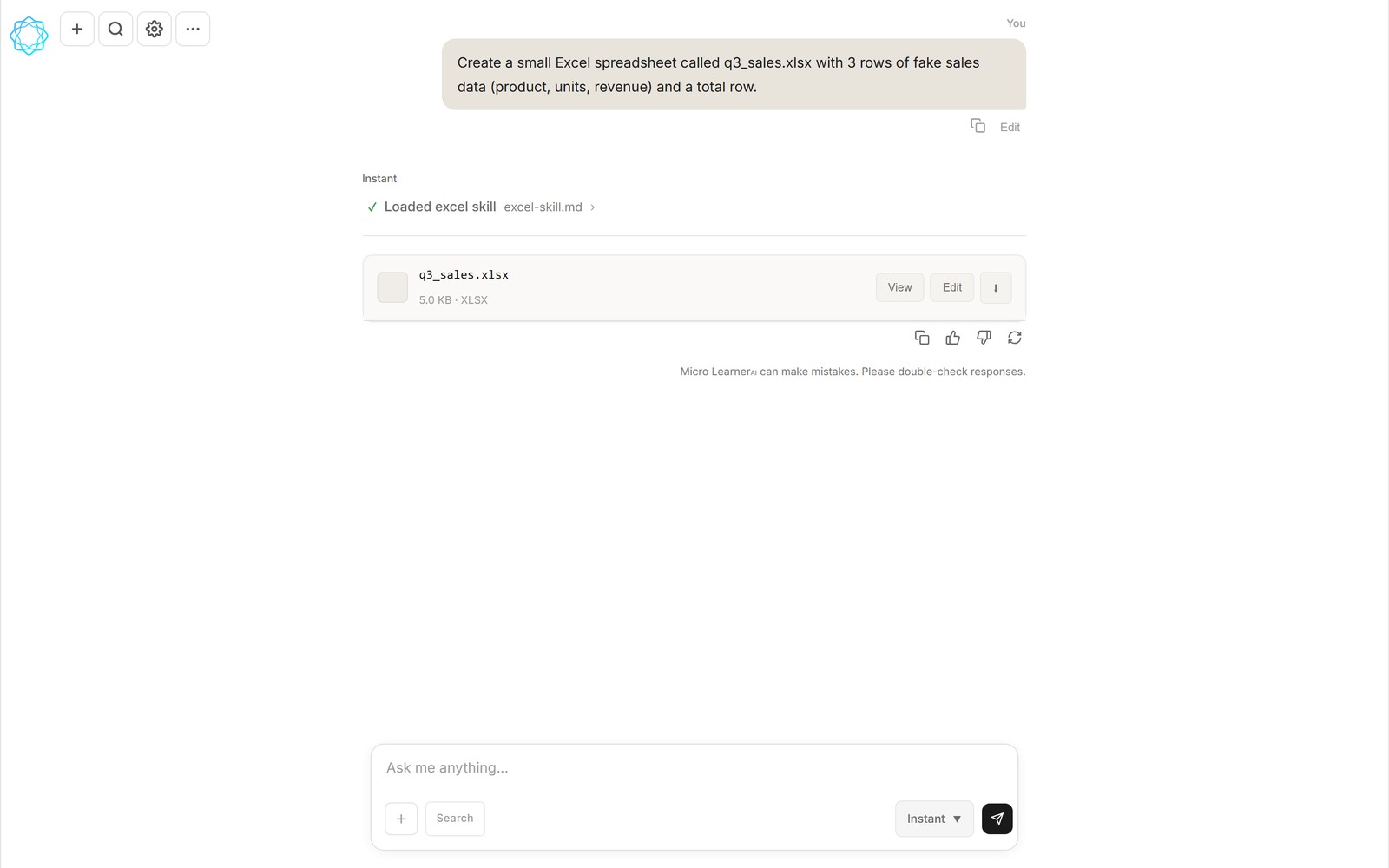
A real free-tier artifact: q3_sales.xlsx, built by the Excel skill mid-chat, with View / Edit / download on the file card.
When Pro makes sense
Pro is $12 a month. For that you get roughly 4.5× the free usage and a set of pre-built skills — versioned, shareable workflow files that teach the AI a repeatable job, so multi-step work like "turn this data into a formatted workbook" runs the same way every time.
Our honest advice on when to upgrade: when the 5-hour reset becomes the bottleneck, and not before. If you're doing one artifact at a time with gaps between, free will carry you indefinitely and you should let it. If you're in a working session producing deck after sheet after chart, or you're on a deadline that can't pause for a refill, that's the $12 use case. We'd rather you feel the limit yourself than take our word for it.
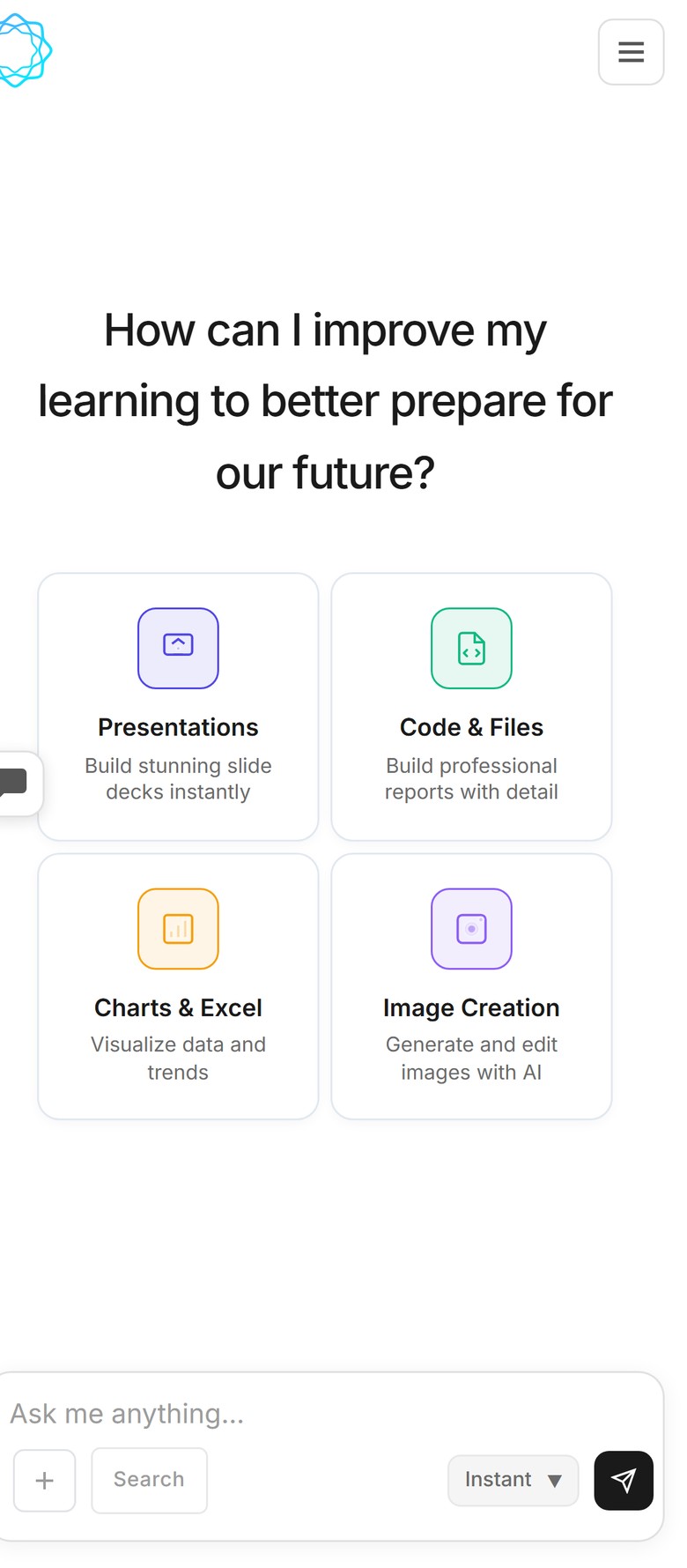
The same chat on mobile — free-tier building works from a phone, not just a desk.
One more thing that's free: the whole product works on mobile. The chat UI is responsive, so asking for a spreadsheet from your phone on the train is normal usage, not a degraded mode.
The honest limits
Two things we won't oversell. First, we're in beta — the homepage is still a coming-soon page and the app is live for early users, so "free tier" today means free tier for the people we let in, in waves. Second, free means capped: the 5-hour reset is generous, but it is a limit, and heavy daily use will find it. That's the whole catch. No trial clock, no feature gate on the artifact types, no countdown to a paywall.
Frequently asked questions
Is MicroLearnerAI's free tier actually free?
Yes — it's a standing free plan, not a trial. Usage is capped, but the allowance resets every 5 hours, so hitting the limit means waiting, not paying. The same chat, the same artifact types, and the same file downloads are all in free.
What can I build on the free tier?
The four things on the home screen: presentations (real .pptx decks), code and files (reports, PDFs, small tools), charts and Excel workbooks (real .xlsx files), and AI-generated images. Every artifact arrives in the chat with View, Edit, and download actions.
What happens when I hit the free usage limit?
You wait for the reset. The free allowance refills every 5 hours, so a hard stop in the morning is gone by lunch. If you regularly can't afford the pause, that's the signal to look at Pro — or add your own model API key in settings.
When does the $12 Pro plan make sense?
When the 5-hour reset becomes the bottleneck: longer sessions, back-to-back artifacts, or a deadline that can't wait for a refill. Pro is $12/month for roughly 4.5× the free usage plus pre-built skills. If free covers your rhythm, stay on it.
Related reading: why we built MicroLearnerAI — our take on Lovable alternatives, and Lovable vs Bolt vs Replit: what one chat can build instead.
MicroLearnerAI is in beta — the free tier described here is live for early users while the public launch is still coming soon. Follow the launch at microlearnerai.com.
New to the app? Start with plans & pricing.