Email Yourself a Task — It's Done Before You Open the App
2026-08-07 · Tasman Goff · Last updated 2026-08-07
Everyone with an inbox has the same habit: you think of something you need to do, and you email it to yourself. "Look into flights for October." "Turn these receipts into a spreadsheet." The email isn't a tool — it's a parking spot. The job still waits for you to come back and do it.
Here's a better version of that habit. You email yourself a task, in plain English, from your phone, from a checkout line, whenever. Micro Learner AI checks your inbox on a schedule, spots emails you sent yourself, and actually does the job — summarizes the thread, builds the spreadsheet, drafts the reply. The finished work is sitting in your chat list the next time you open the app. You don't leave anything running. You don't write a line of code. You just email yourself, like you already do.
The whole idea in one sentence
Your inbox becomes a way to hand Micro Learner AI work — and because the work happens on our servers, not on your device, it gets done even when the app is closed, the laptop is shut, and your phone is in your pocket.
There's no "setup" in the usual sense. No script, no extension, no settings page with forty toggles. The entire thing is one message you send in the chat, once, phrased however you'd phrase it to a person. Something like:
"Every 15 minutes, check my Gmail for emails I sent myself that start with TODO, do whatever they ask, and leave the result in my chat."
That's it. Micro Learner AI turns that sentence into a scheduled task, and from then on your inbox is a to-do list that completes itself.
How it works, without the jargon
Two pieces of the product make this possible, and both are worth knowing about on their own.
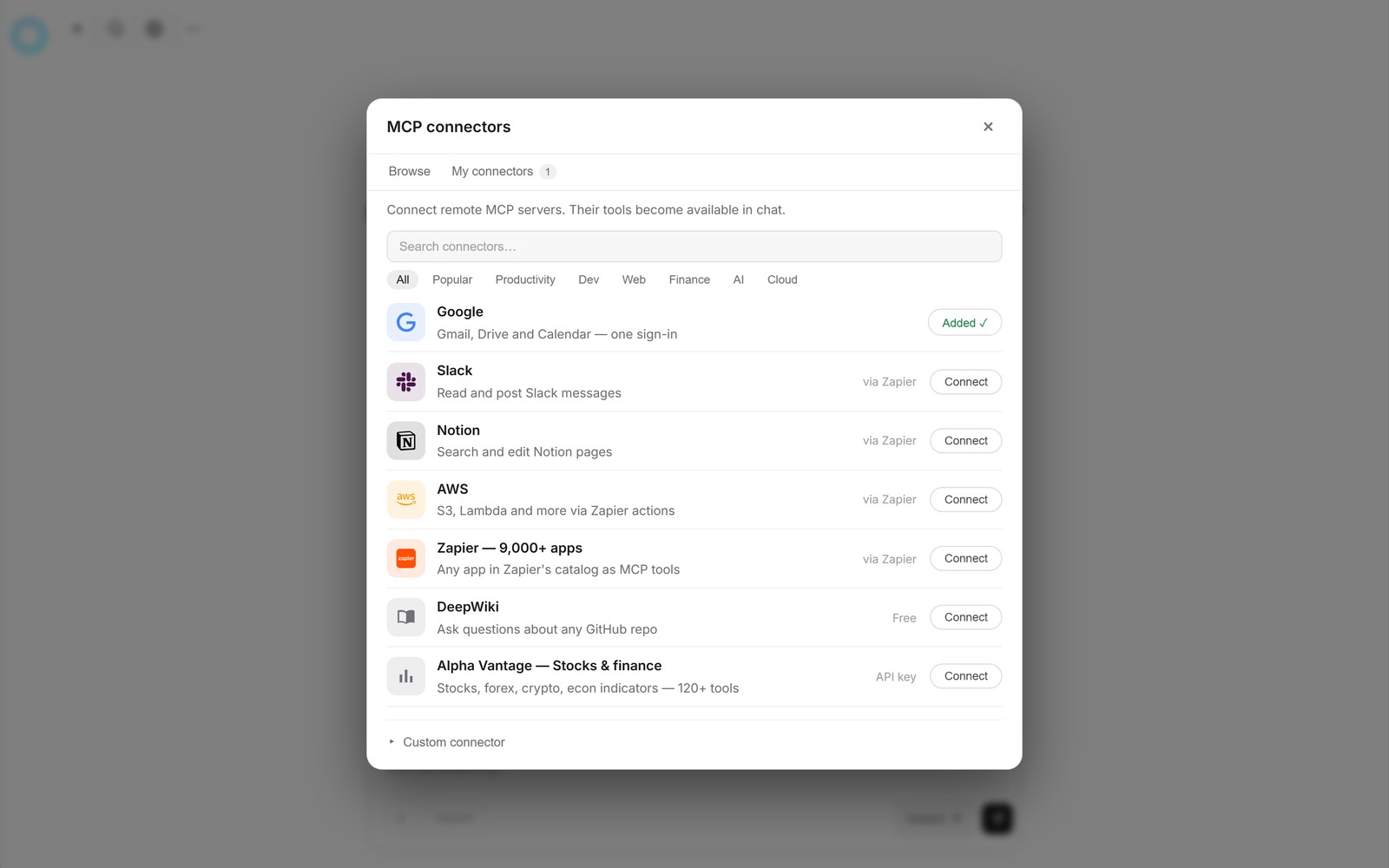
Connectors. Micro Learner AI can sign into your Google account — Gmail, Drive, and Calendar, one sign-in — the same way any app does. Once connected, the AI can read the emails you point it at and act on them. Slack, Notion, and thousands of other apps work the same way. You can see and manage these under Connectors, and disconnect any of them whenever you like.
Scheduled tasks. Anything you can ask for in the chat, you can ask for on a schedule — every 15 minutes, every weekday at 9am, whatever fits. Scheduled tasks run on Micro Learner AI's servers. That sentence is the whole trick: the task doesn't live in your browser tab, so it doesn't matter whether the app is open. When a run finishes, the result appears in your chat list as a new conversation, marked with a ⏰ so you can tell it apart from chats you started yourself.
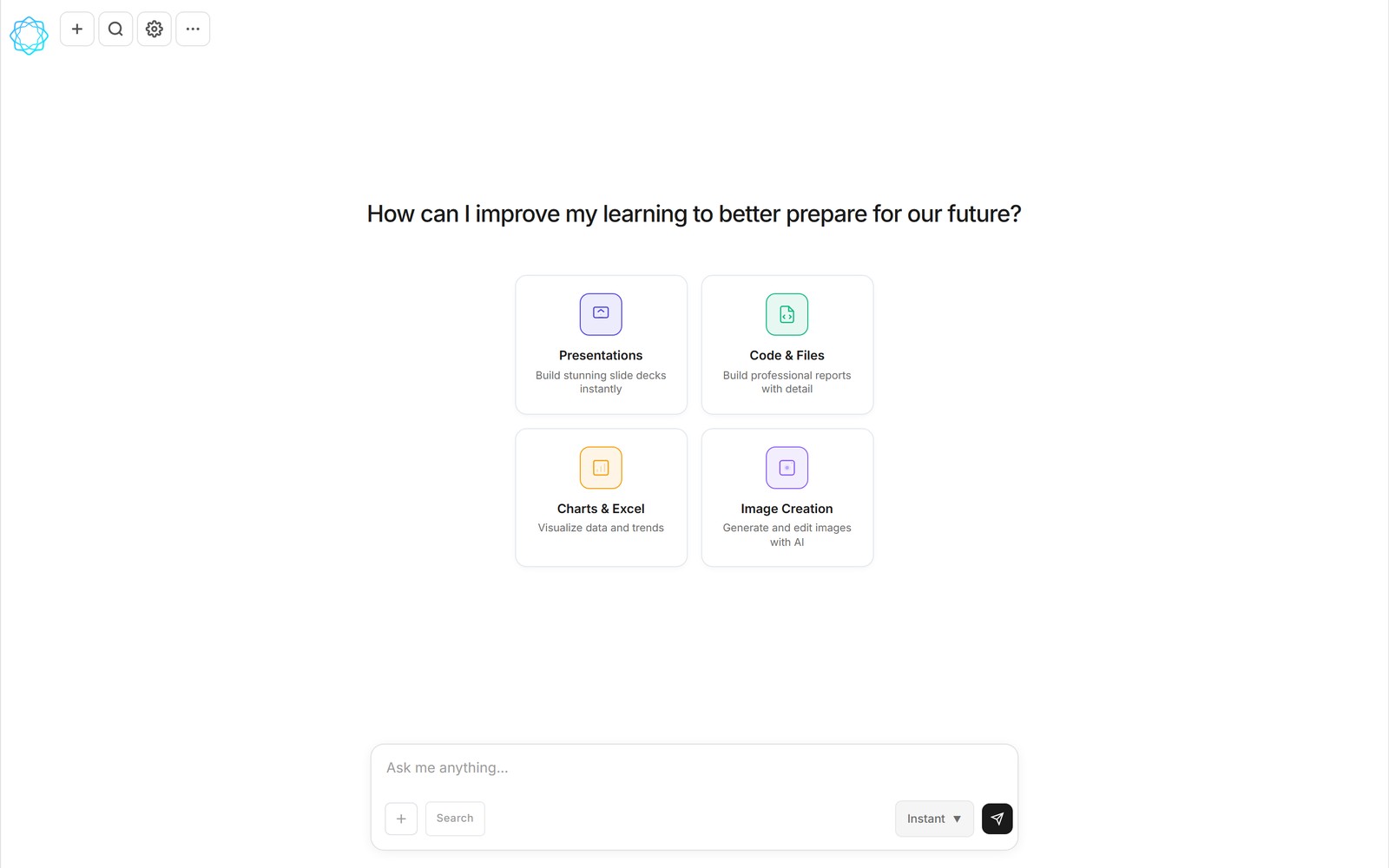
The chat is where results land — one new conversation per finished task.
Put the two together and the loop is complete: the connector lets Micro Learner AI see the task you emailed yourself, and the schedule makes sure somebody is always looking.
What a finished job looks like
Say you emailed yourself: "TODO: turn the expenses below into a spreadsheet with a total row." The next scheduled run finds your email, does the work, and when you open the app there's a conversation waiting with the answer — including the actual file, ready to open or download. A spreadsheet arrives as a real .xlsx, not a wall of text pretending to be one.
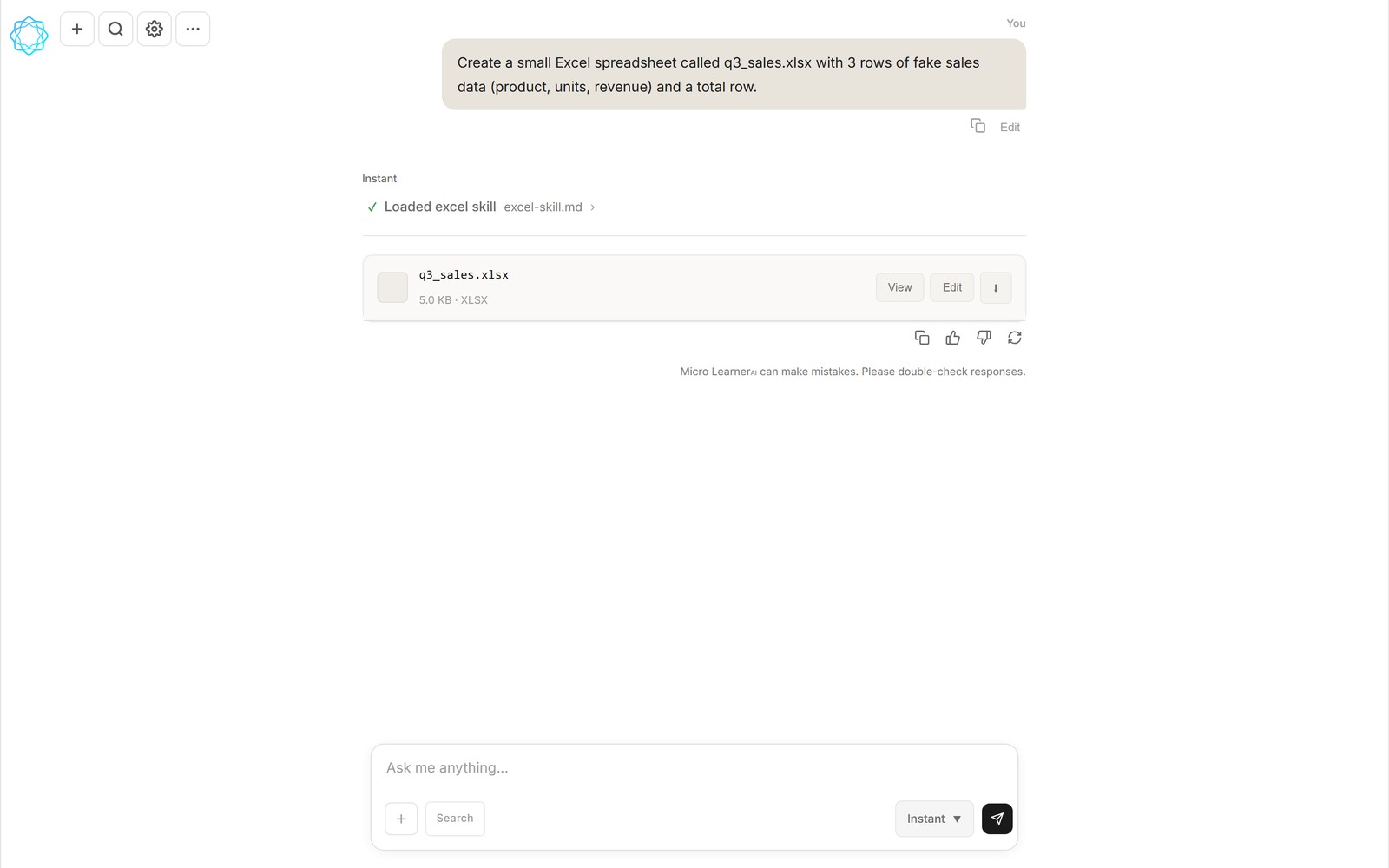
A real file, attached to the chat — open it, edit it, or download it.
And if you'd rather get the result back in your inbox, say so in your original request — the Gmail connector can send mail too, so the task can reply to your email with the finished work. By default Micro Learner AI never emails you on its own; results wait quietly in your chat list until you ask otherwise.
What people use this for
- "TODO: summarize this thread in 5 bullets" — forward-worthy long threads become short ones.
- "TODO: make a spreadsheet of these invoices and total them" — numbers in an email become a real file.
- "TODO: what's this PDF actually saying?" — attach a document, get the plain-English version.
- "TODO: draft a reply to this and save it in my drafts" — you review and hit send.
- "TODO: outline a 5-slide deck from these notes" — the outline (or the deck) is waiting when you're back at a desk.
The pattern that works best: small, clear jobs with a checkable result. If a human assistant could do it from the email alone, Micro Learner AI probably can too.
The honest fine print
Micro Learner AI is in beta, and an AI working unsupervised deserves some common sense. Start with low-stakes tasks and check its work, the same way you would with a new assistant. Be specific in your emails — "summarize this thread" beats "handle this." It only sees the mail you tell it to look for, access goes through your own Google sign-in, and you can revoke that from your Google account at any time. And the judgment calls stay with you: it can draft the reply, but you're the one who decides it goes out.
But the core promise is real, and it's the point of the product: you shouldn't have to be sitting in front of an AI for it to be working for you. Email yourself the task. Get on with your day. It's done when you get back.
FAQ
Do I have to keep Micro Learner AI open for this to work?
No. Scheduled tasks run on Micro Learner AI's servers, not in your browser tab. You can close the app, shut the laptop, or be on your phone — the task runs at its scheduled times either way, and the result waits in your chat list.
Do I need to know how to code to set this up?
No. The entire setup is one plain-English message in the chat, something like: check my Gmail every 15 minutes for emails I sent myself starting with TODO, do what they ask, and leave the result in my chat. Micro Learner AI turns that into a scheduled task. There is nothing to install and no script to write.
Does Micro Learner AI read all my email?
Only what you tell it to look for. You define the filter — for example, only emails from your own address with a specific keyword in the subject. Access goes through your own Google sign-in, which you can revoke from your Google account at any time.
Can it reply to my email with the finished work?
Yes, if you ask it to. The Gmail connector can send mail as well as read it, so you can include "and reply to the email with the result" in your request. By default, results simply appear as a conversation in your chat list — Micro Learner AI never emails you on its own.
Related reading: why we built Micro Learner AI — our take on Lovable alternatives, and Lovable vs Bolt vs Replit: what one chat can build instead.
Micro Learner AI is in beta. Follow the launch at microlearnerai.com.
New to the app? Start with scheduled tasks docs.